
How to follow and join a community
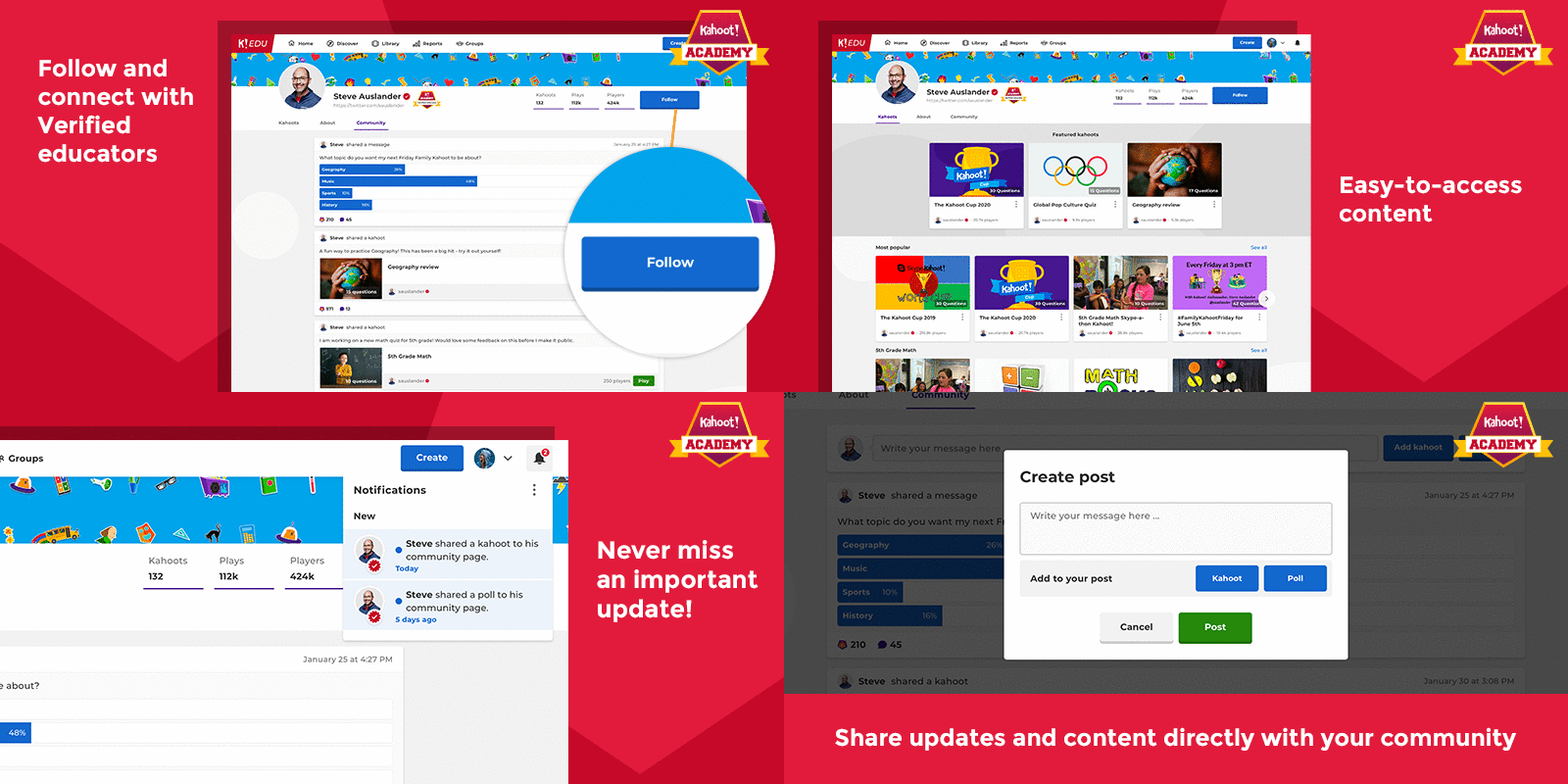
All Kahoot! users (with the exception of our young audience) can now follow Verified educator profiles to receive updates and notifications for newly published content and updates.
Who and how can I follow?
All users, besides students, will be able to follow anyone with a Kahoot! Academy Verified educator profile.
- Log into your account.
-
Navigate to the Discover tab and use the search bar to find verified profiles
or filter them directly through the Academy page
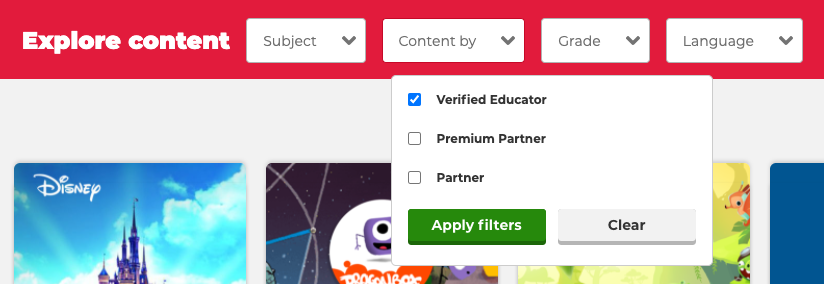
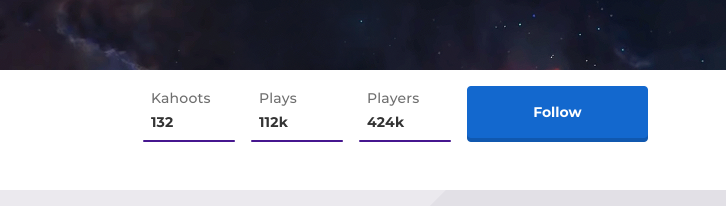
- Once you found the account you are interested in, you can join their community by clicking Follow.
What can I access as a follower?
As a follower of a profile you will be able to get easy access to the profile page of the Verified Academy teacher with extended access to their community page. On the profile page you will be able to access all of the Verified educator’s games and collections, in addition to updates and content that is shared on their community page.
Can I manage my followers?
As the owner of the verified profile only you can post content and comments on your page. The only functionality available to followers is the ability to follow and receives updates on your content.
Will I be notified of the new content added?
Yes, a notification will pop-up on the top right corner of your account in the notifications center marked with a bell icon.
Why can’t I follow a Verified account?
Verified accounts currently have a follower limit. Once the limit is reached no one else will be able to join the community. We will increase this number as we develop this functionality from pilot to full-service.
Try checking the account again on a later occasion to see if any spots have been freed up.

I would like people to follow me, how can I create a verified profile page?
At the moment profile and community pages are only available to Kahoot! Academy Verified educators. You can apply to become a Kahoot! Academy Verified educator here.
How does my community page work?
Your community will be notified when a game is published and any new content added.
Within the community page, you will also be able to create posts where you can add text and game recommendations. For example, you can invite users to join live kahoot games or assignments through these updates or inform them of your blog page updates.