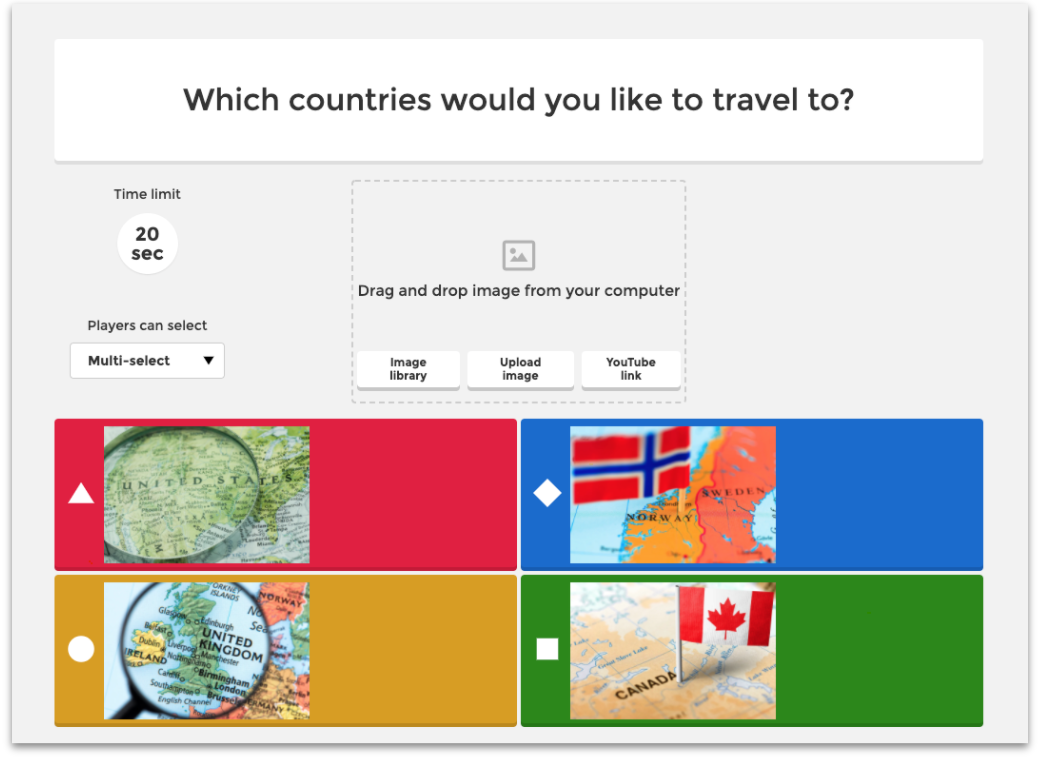
You can make games more accessible for younger players, or simply diversify the gameplay, by creating a question with images as answers. Images can be uploaded from your device or selected from our image library.
Steps to adding images as answers
Images can only be added to answer fields in the following question types:
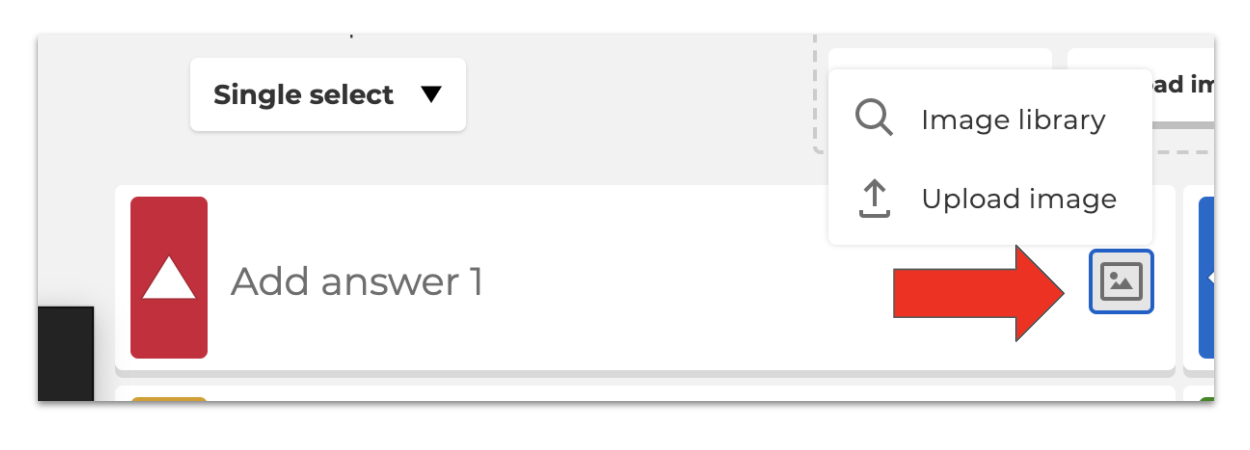
While editing one of those question types, use the image button on the right of the answer field to upload an image from your device or choose one from our image library.
Please keep in mind that the size of an image uploaded as an answer is limited so we do not recommend adding detailed pictures. Images must be...
- in PNG, JPEG, or GIF format
- in RGB color mode
- no larger than 5MB, 3264x3264 pixels