
| This article covers logging in and signing up in our mobile apps. Learn about creating an account on the web platform here. |
You don’t need an account to get started with our iOS and Android app. However, an account gives you access to great features.
Step 1: Open the app or go to the home page
You can check the current page at the bottom of the screen.

Step 2: Tap Log in or sign up
On the top of the screen, you'll find the option to access your account or create a new one. Tap Log in to login into your account or Sign up to create a new account.

You can provide sign-up or login details manually or use one of the available social SSO providers: Google, Microsoft, Apple, or Clever.
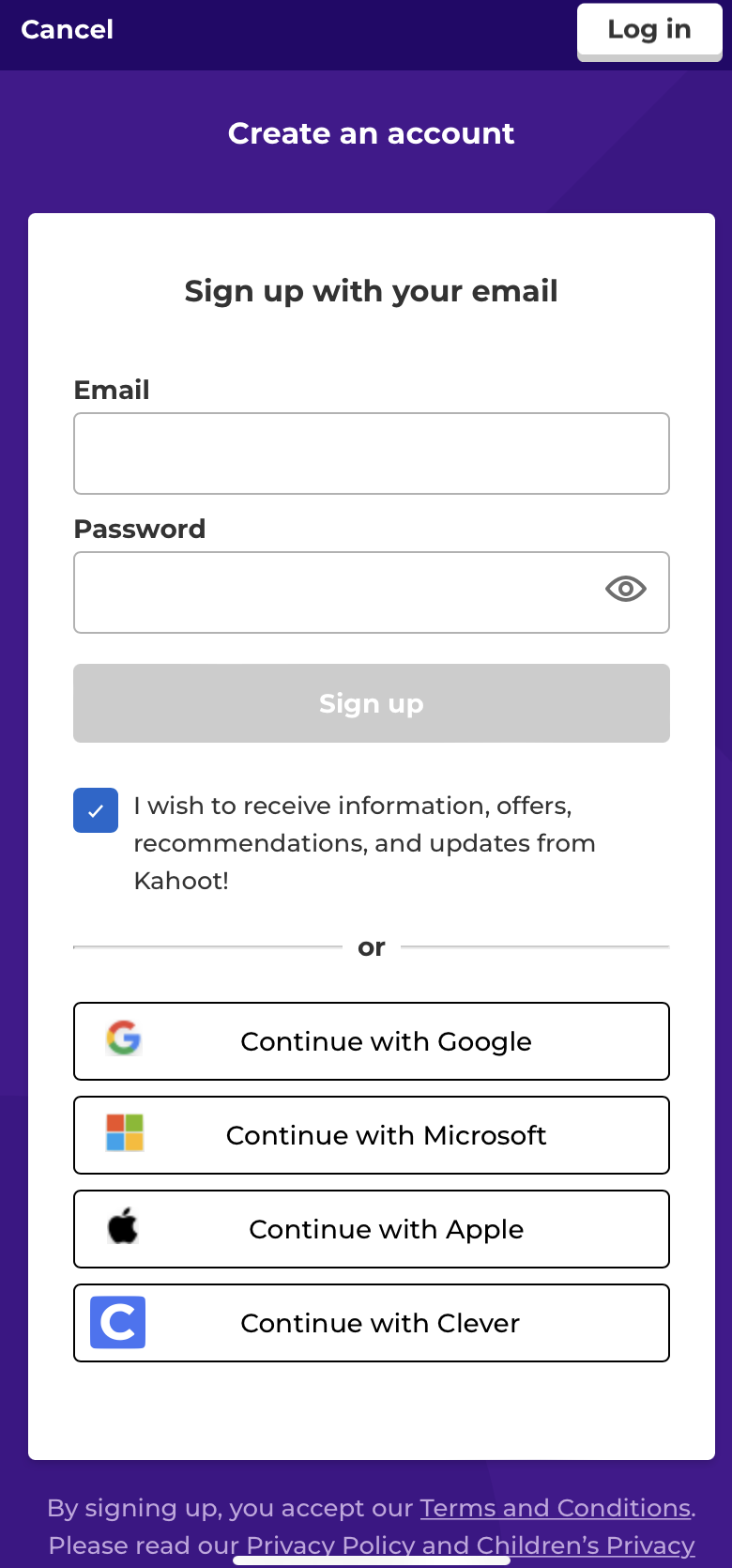
When you are creating an account you will be asked a few questions about yourself and the context in which you will use Kahoot!. As the sign-up methods and account types do not differ between the mobile apps and the web platform, you can read more about it here.