
If you’re an owner, admin or member of a team, you can edit and host others' kahoots, and give them the same access to your own kahoots.
Giving teachers access
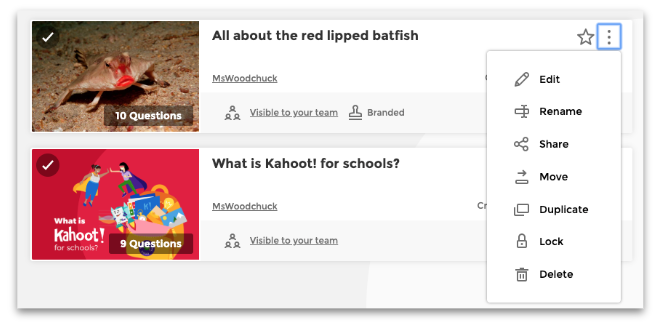
To let others edit and host your kahoots, each kahoot must be visible to your team.
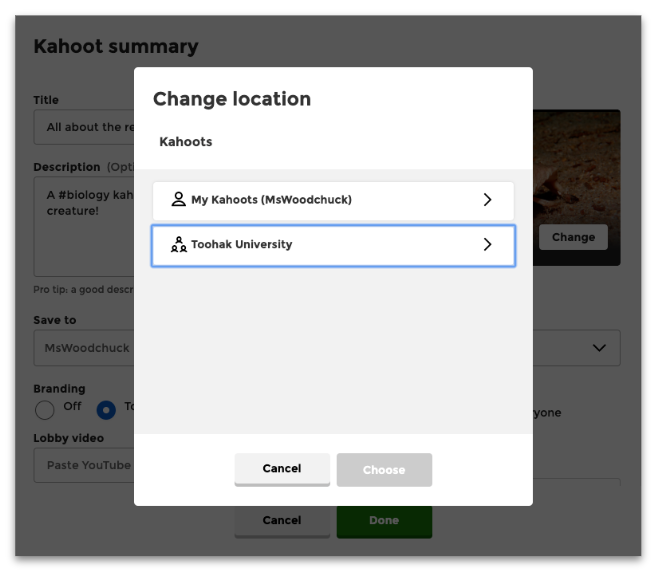
While creating or editing a kahoot:
- Click the "Settings" button.

- Click the "Change" button.

-
Choose the name of your workspace or a folder in your workspace.
Don't want others to edit your team kahoot? Lock your team kahoot so that others can host but not edit.
Accessing other members’ kahoots
You can access any kahoots that other members have saved to the workspace.