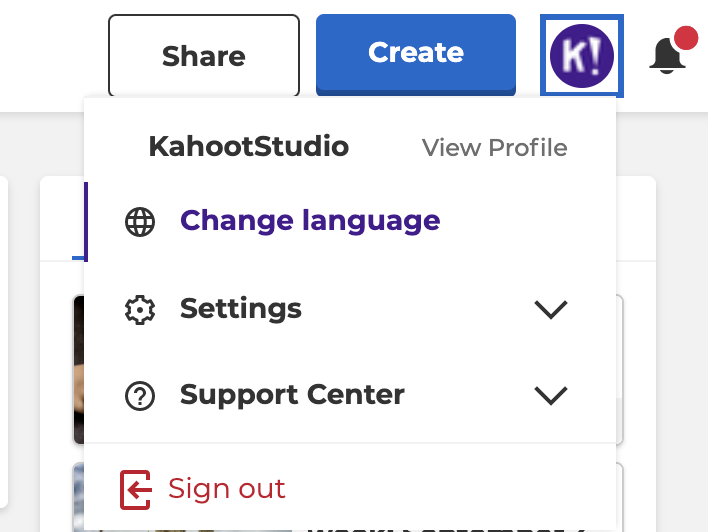
How to switch to your chosen language on the Kahoot! website
- Navigate to Settings under the profile icon and select Change Language.
- Select your language from the dropdown menu under account details.
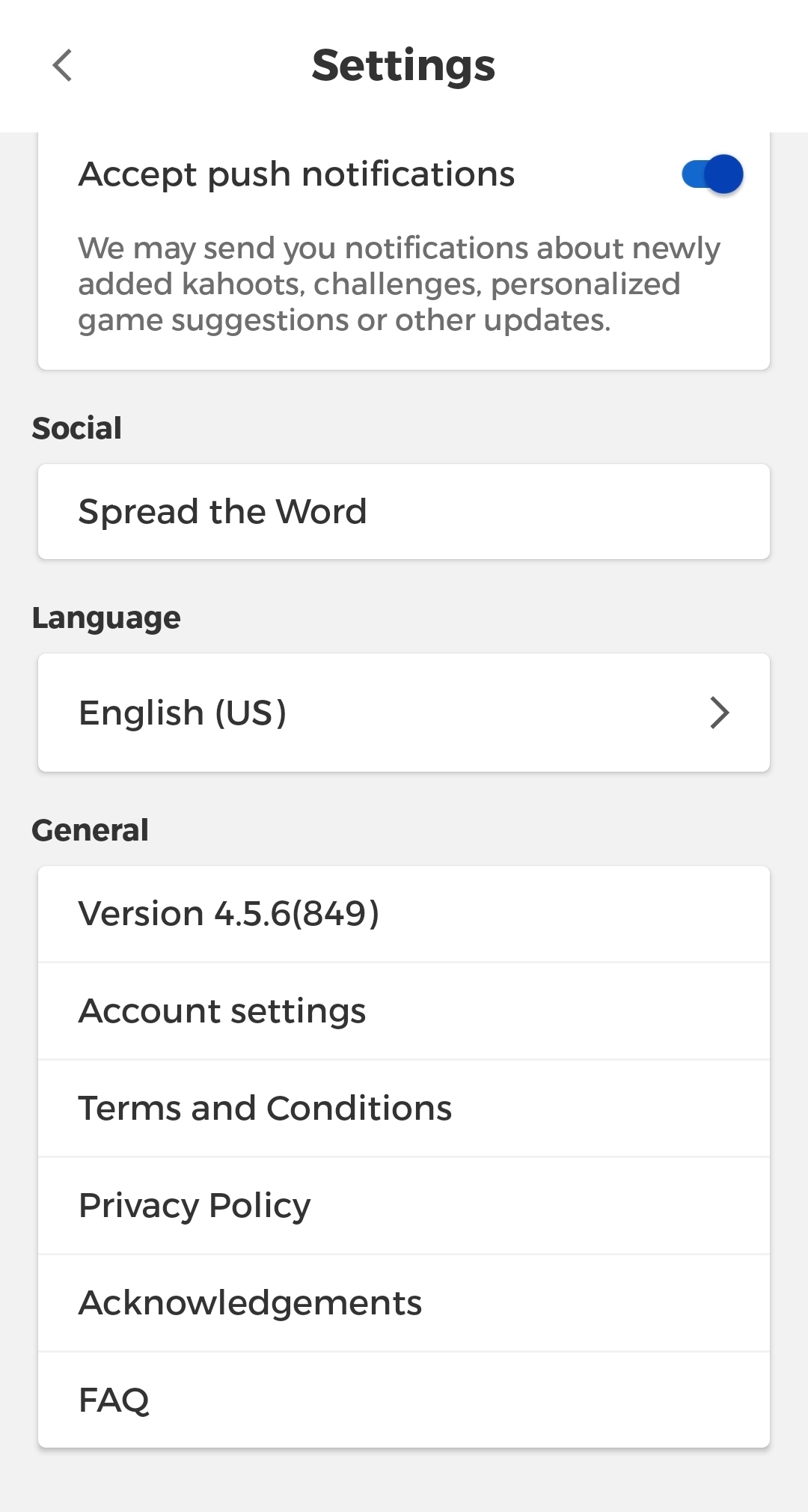
How to switch to your chosen language in the Kahoot! app
- Update the app to the latest version, or download it on your iOS or Android device if you haven’t installed it before*.
- If your device language is set to [language], the app will switch automatically.
- If your device language is different, tap the profile icon within the app.
- From your profile page, tap the cog icon to open settings.
- Select your language from the Language dropdown
* If you’re a teacher, you might need to reach out to your school’s IT administrator and ask to update the app version on students’ devices.