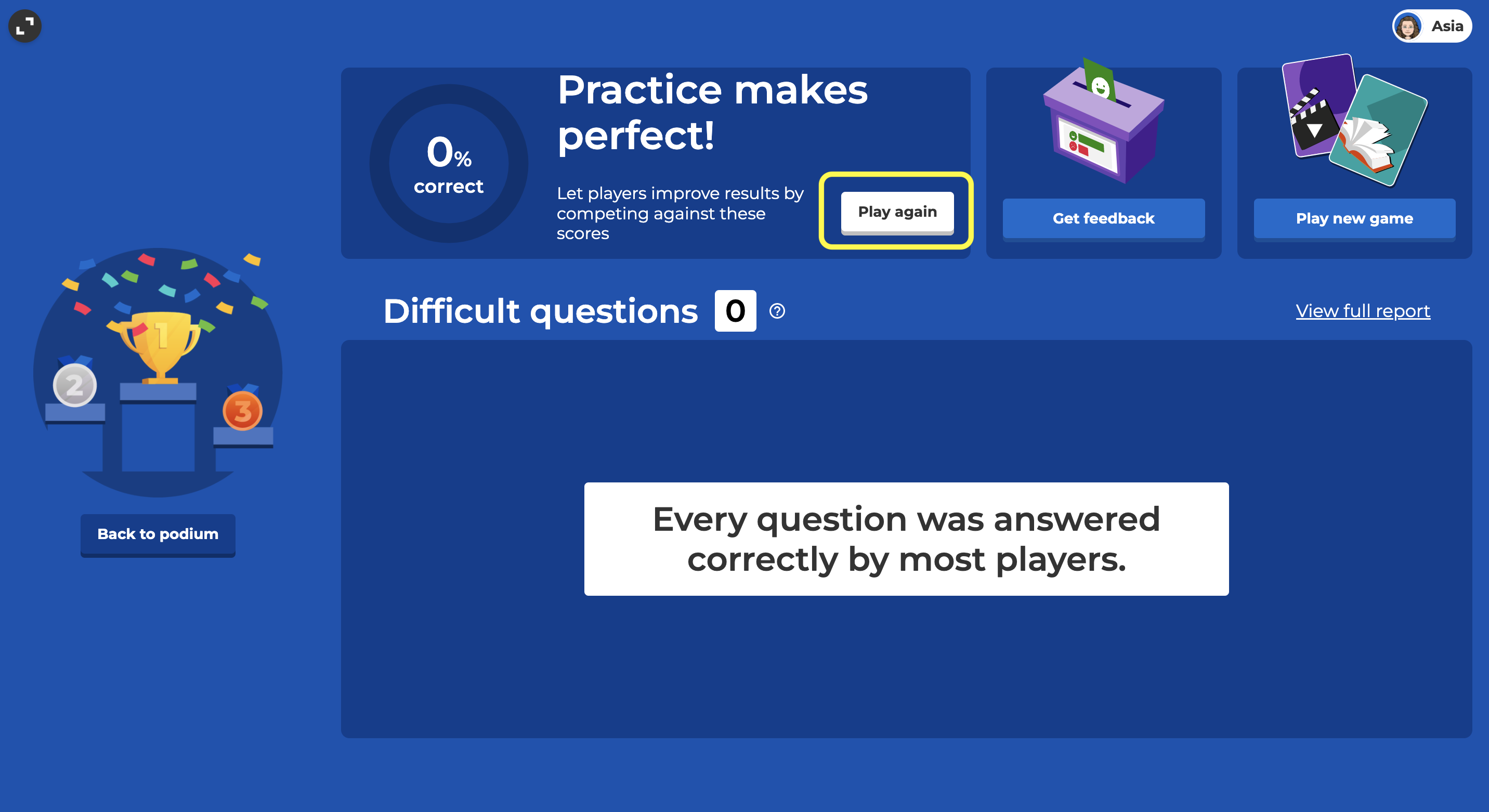
At the end of a live kahoot, the Game Over screen lets you “Save Results”, “Play Next” if you created a playlist, play a “New Game” of the same kahoot, or “Play Again” with ghosts.
Ghosts
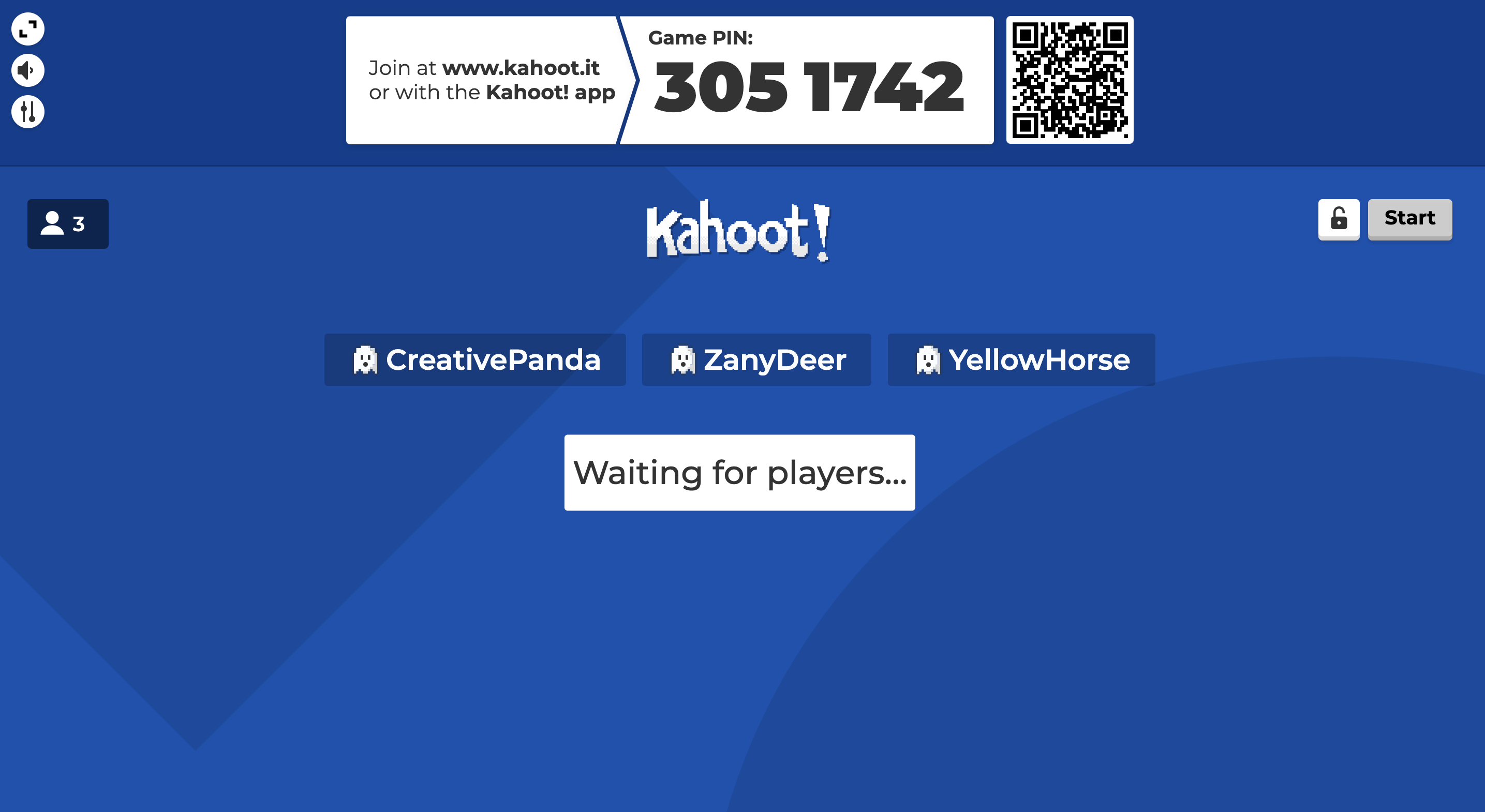
Using player data from a past game, we’ll generate “ghosts” your audience can compete against. You can have a class of students compete against themselves to see if they can top their past scores, or have a different group of students compete against an earlier class.
“Play Again” later
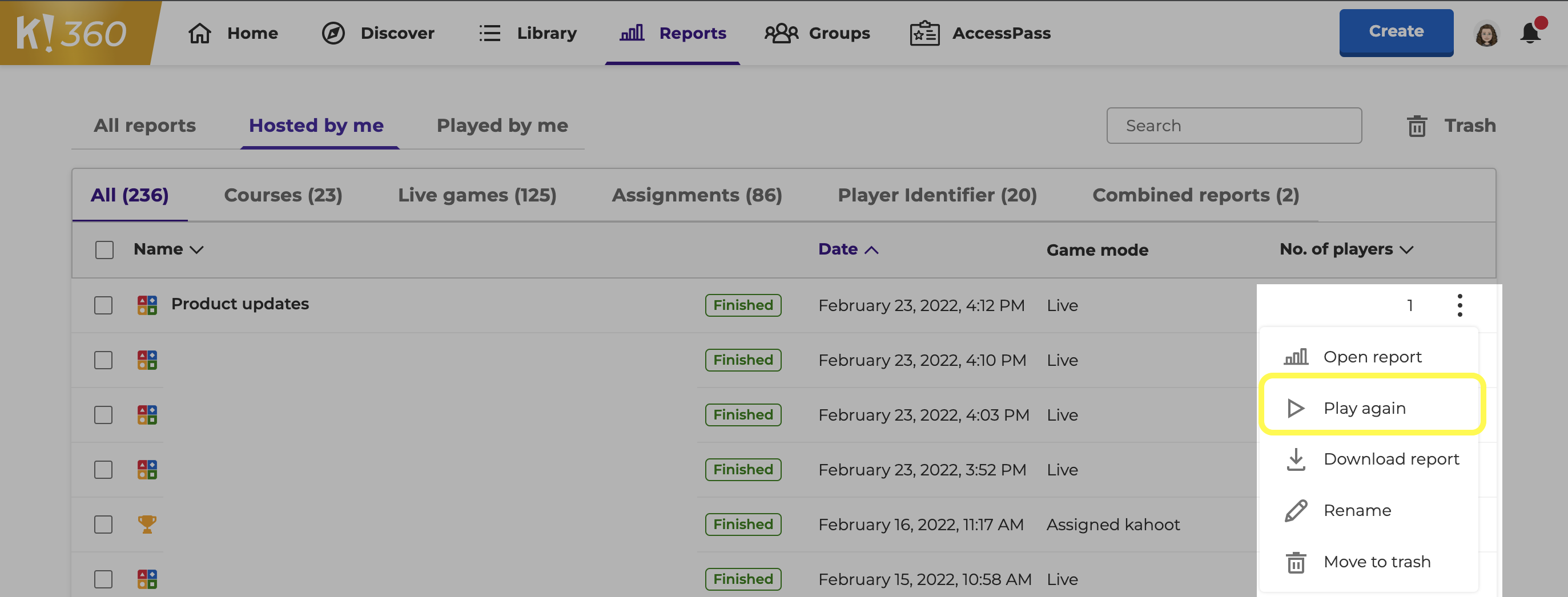
Aside from playing again immediately after a game ends, you can also play again from your Reports page. Use the three vertical dots to the right of a past game to find the “Play Again” option.