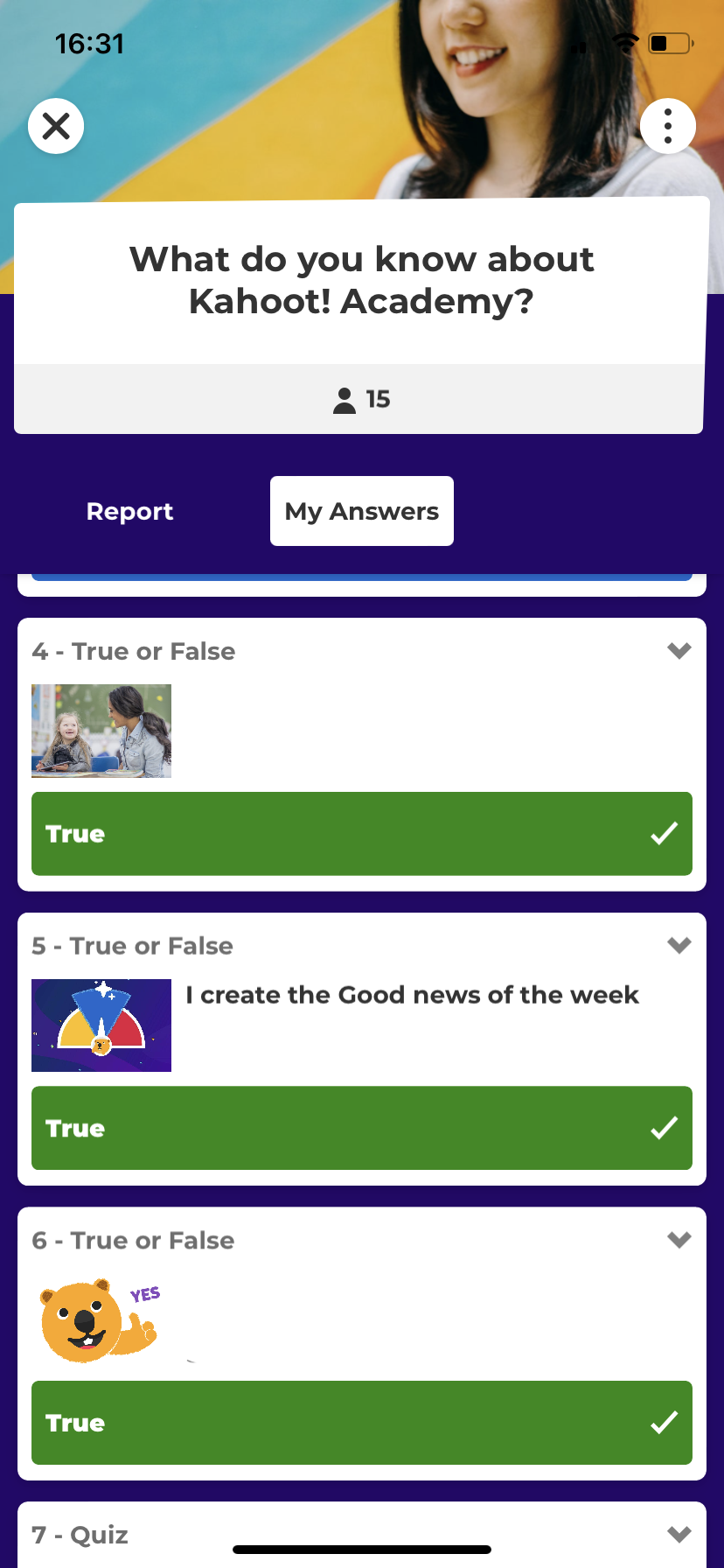
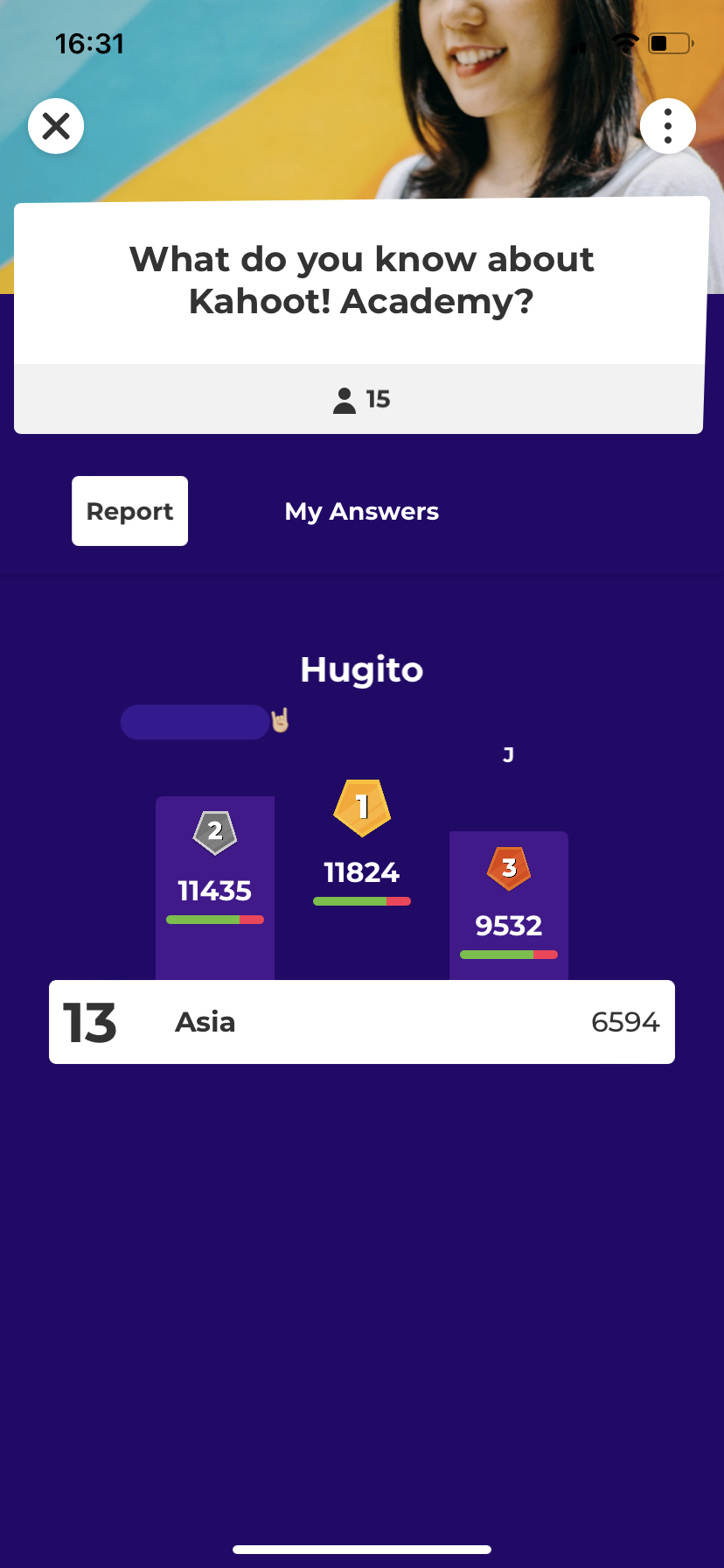
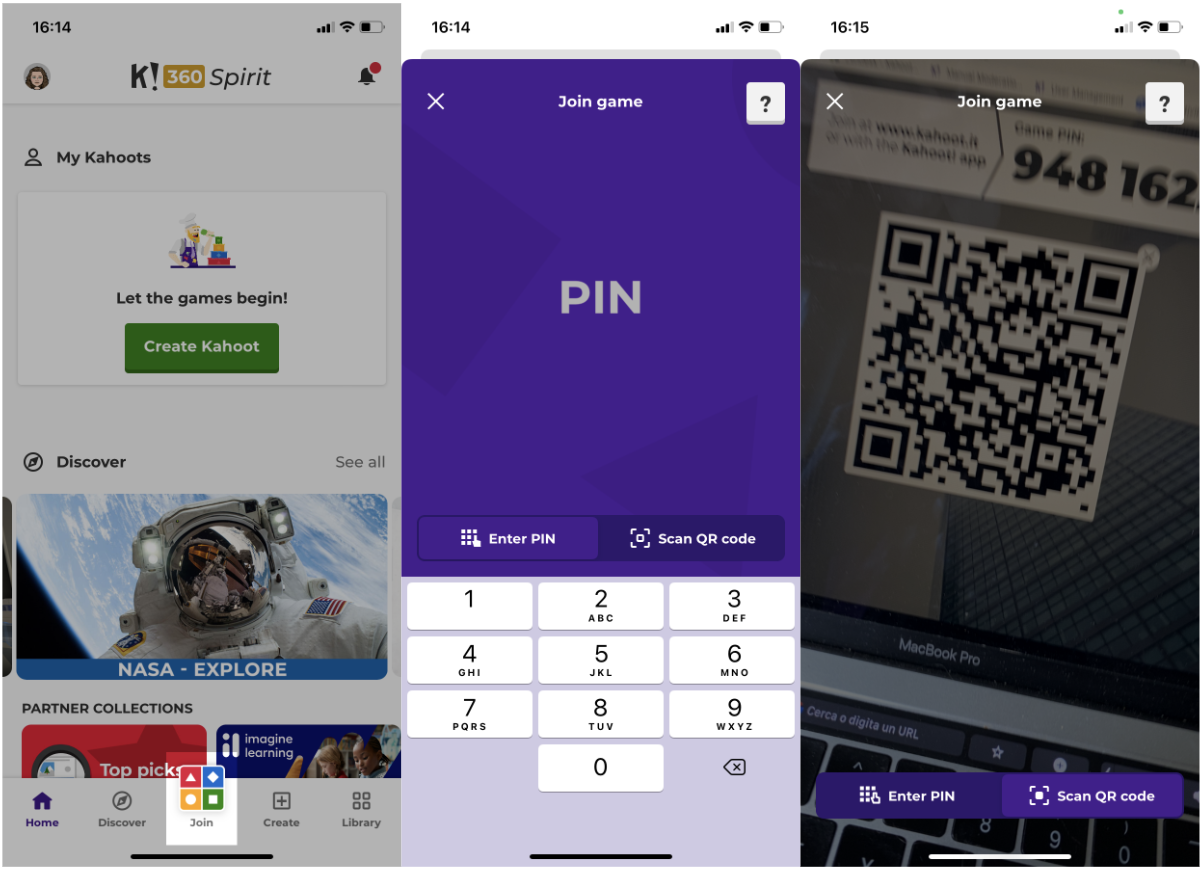
Our mobile app can be used to play live kahoots as well as assignments. You can use the Join button at the bottom of the screen to get started.
- You can manually insert the PIN provided by the host,
- You can scan the QR code visible on the host's screen with our built-in QR code reader.
Don’t want to use the app? That’s fine. Just go to https://kahoot.it in a web browser to join a live kahoot. But for some extra superpowers to sharpen your knowledge, be sure to use the mobile app!
Review how you performed
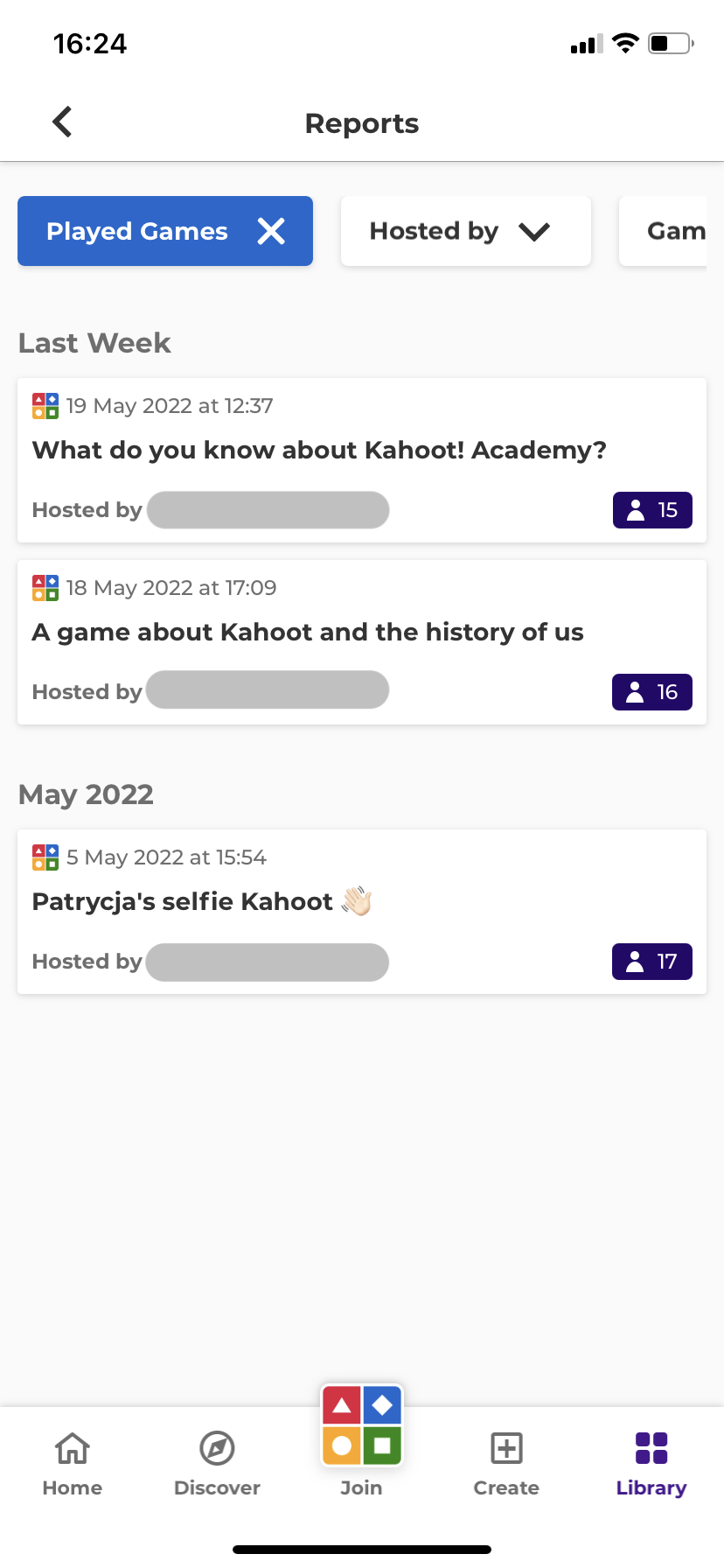
After playing a live kahoot or assignments, check the Library section and go to the Reports tab and select Played games. Tap on one to see your performance from past plays.
In the Report section, you can view the podium and your overall score. In the My answers section, you can review your performance.