
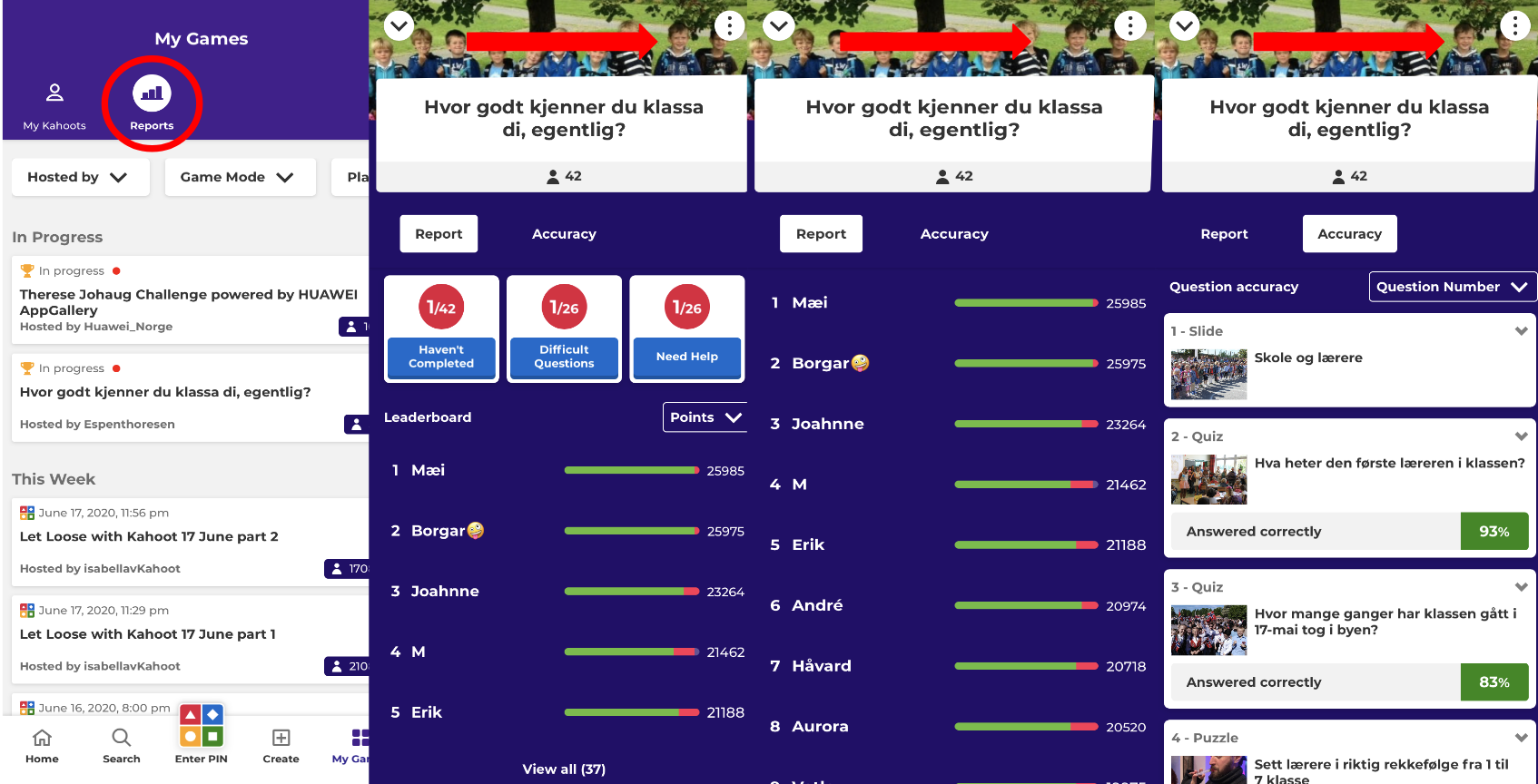
After a live kahoot has been hosted or an assignment ended, you can access “Reports” in the top navigation bar under Library to view performance details. Just tap a report card to view a specific report and then tap on “view all” to view a full leaderboard. Click “Accuracy” to view question analysis.
Leaderboard
Players will be ranked based on their final score. A status bar next to each player’s nickname shows roughly how many questions they answered, as well as how many were correct (green) and incorrect answers (red).
Question accuracy
Tap “Accuracy” or swipe right-to-left to view a list of questions along with a percent of how many players answered them correctly. Tap on a question to see how many chose each answer.
How to download reports
You can view a downloadable spreadsheet report using a web browser.